


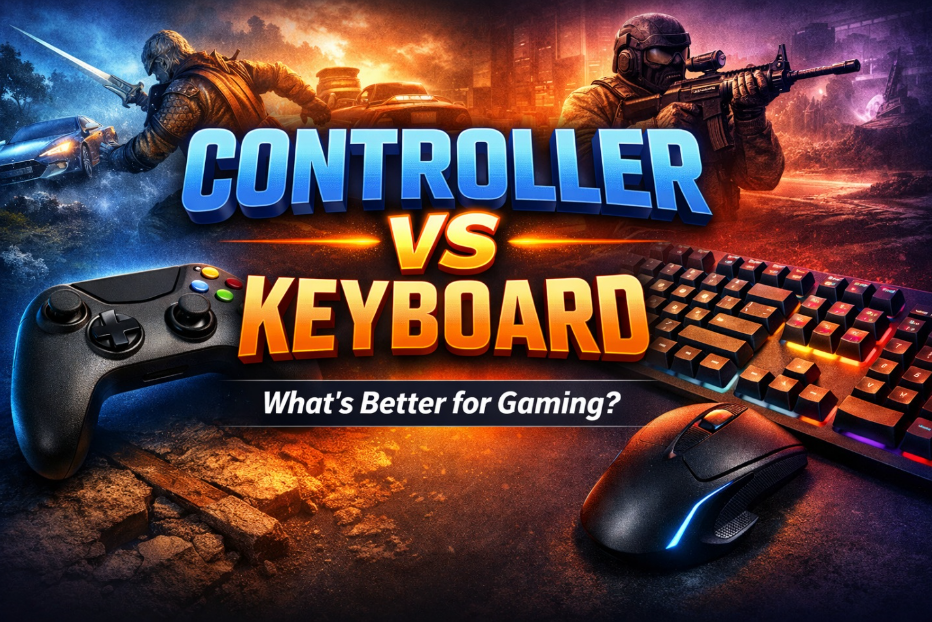
When it comes to video gaming, one of the longest-running debates is whether it is better to play using a controller or a keyboard and mouse. Both input methods have passionate supporters, and each offers distinct advantages depending on the game genre, player preference, and gaming environment. Understanding the strengths and limitations of controllers and keyboards can help gamers make better decisions and improve their overall experience.
This article explores the differences between controller and keyboard gameplay, compares their performance across various game types, and helps answer the key question: what is better to play video games, controller or keyboard?
Meanwhile, if you want to try Tongits, Pusoy and Pusoy Dos games, visit GameZone now!
Understanding the Basics: Controller vs Keyboard
A game controller is a handheld device with analog sticks, buttons, triggers, and vibration feedback, commonly associated with consoles like PlayStation, Xbox, and Nintendo. Controllers are designed for comfort and intuitive movement, especially in action-oriented games.
A keyboard and mouse setup, typically used for PC gaming, offers a larger number of input options, high precision, and customizable key bindings. The mouse handles aiming and camera movement, while the keyboard manages actions, movement, and shortcuts.
Neither option is universally superior. The better choice depends on how and what you play.
Precision and Accuracy
Keyboard and Mouse Advantage
For games that require fast reflexes and pinpoint accuracy, the keyboard and mouse setup often excels. The mouse allows precise aiming and quick camera movement, making it ideal for:
First-person shooters (FPS)
Competitive multiplayer games
Strategy and simulation titles
Games like tactical shooters or real-time strategy titles benefit from the speed and precision a mouse offers, especially at higher skill levels.
Controller Precision
Controllers rely on analog sticks, which are less precise than a mouse but offer smoother, more controlled movement. Many modern games include aim assist to balance controller performance, particularly in console shooters.
While controllers may not match mouse precision in competitive aiming, they perform well in games that prioritize movement and timing over exact accuracy.
Comfort and Ergonomics
Why Controllers Feel More Comfortable
Controllers are designed to be held naturally, allowing players to sit back and relax. This makes them ideal for:
Long gaming sessions
Couch or TV gaming
Casual and story-driven games
The compact design reduces strain on wrists and fingers for many players, especially those who prefer relaxed playstyles.
Keyboard and Mouse Ergonomics
Keyboard gaming usually involves sitting at a desk, which can lead to fatigue if posture and setup are poor. However, with a proper ergonomic chair, desk height, and wrist support, keyboard gaming can be comfortable and sustainable.
The main advantage is flexibility. Players can adjust key layouts, sensitivity, and hardware to suit their needs.
Game Genre Compatibility
One of the most important factors when choosing between controller and keyboard is game genre.
Games Better with a Controller
Controllers are generally better suited for:
Sports games
Racing games
Fighting games
Platformers
Action-adventure and third-person titles
Analog sticks allow smooth directional control, which is crucial in racing and sports games. Fighting games also benefit from button layouts and directional inputs that feel more natural on controllers.
Games Better with Keyboard and Mouse
Keyboard and mouse setups shine in:
First-person shooters
Strategy games
MMORPGs
Simulation and management games
These genres often require multiple commands, quick selection, and precise control, all of which are easier to execute with a keyboard and mouse.
Customization and Flexibility
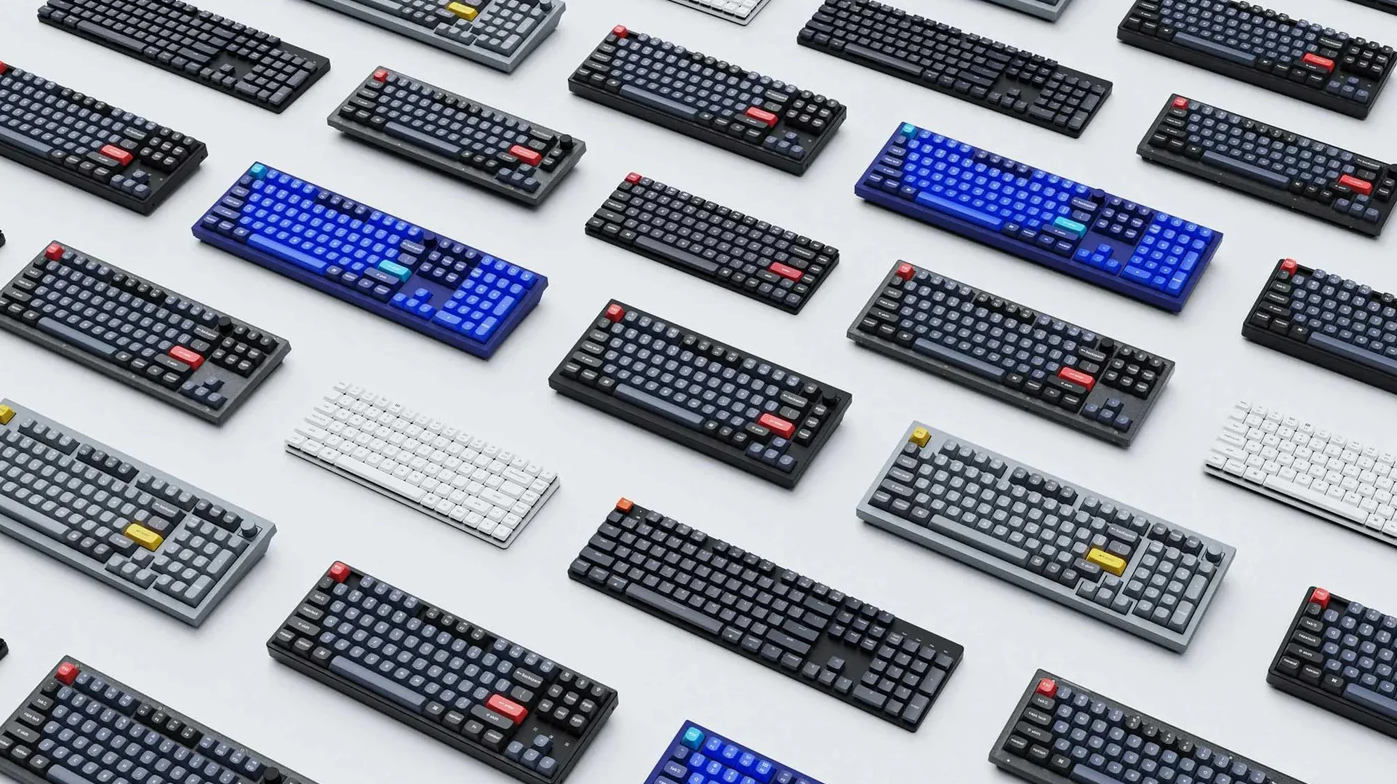
Keyboard Customization
Keyboards offer extensive customization. Players can:
Remap keys
Use macro functions
Adjust mouse sensitivity
Upgrade individual components
This level of control is especially valuable in competitive and complex games, where efficiency and speed matter.
Controller Customization
Modern controllers also support customization, including:
Button remapping
Adjustable triggers
Custom grips and paddles
While customization is improving, it is still generally more limited compared to keyboard setups.
Competitive Gaming and Esports
In competitive gaming, the input method often depends on the platform and game rules.
PC esports titles typically favor keyboard and mouse for precision and speed.
Console esports and fighting games rely heavily on controllers.
Some competitive games now support cross-platform play, leading to debates about balance. Developers often adjust mechanics like aim assist to ensure fairness between controller and keyboard players.
Ultimately, skill and experience matter more than the device itself.
Learning Curve and Accessibility
Controller Learning Curve
Controllers are often easier for beginners to pick up, especially for players transitioning from consoles or casual gaming. The intuitive layout and fewer inputs make them accessible to new players.
Keyboard Learning Curve
Keyboard and mouse setups may feel overwhelming at first due to the number of keys and combinations. However, once mastered, they offer faster execution and greater control.
Players who invest time in learning keyboard controls often gain long-term advantages in complex games.
Platform Considerations
Your gaming platform plays a major role in deciding which input method is better.
Console gaming is primarily designed for controllers.
PC gaming supports both controllers and keyboard setups.
Many modern games allow seamless switching between the two.
Some PC players even use a hybrid approach, using controllers for certain games and keyboards for others.
So, What Is Better: Controller or Keyboard?
There is no single correct answer. The better option depends on:
Game genre
Platform
Player comfort
Competitive goals
Personal preference
Controllers excel in comfort, immersion, and movement-focused games, while keyboards dominate in precision, customization, and complex gameplay. The best choice is the one that enhances your enjoyment and performance.
Many experienced gamers use both, choosing the input method that best suits each game.
Final Thoughts
The controller vs keyboard debate will continue as gaming technology evolves. Instead of focusing on which is objectively better, players should consider which option aligns with their playstyle and the games they enjoy most.
Whether you prefer the relaxed feel of a controller or the precision of a keyboard and mouse, mastering your chosen setup is far more important than the device itself. Gaming is ultimately about enjoyment, skill development, and immersion, and both input methods can deliver exceptional experiences when used correctly.
 0
0 
